
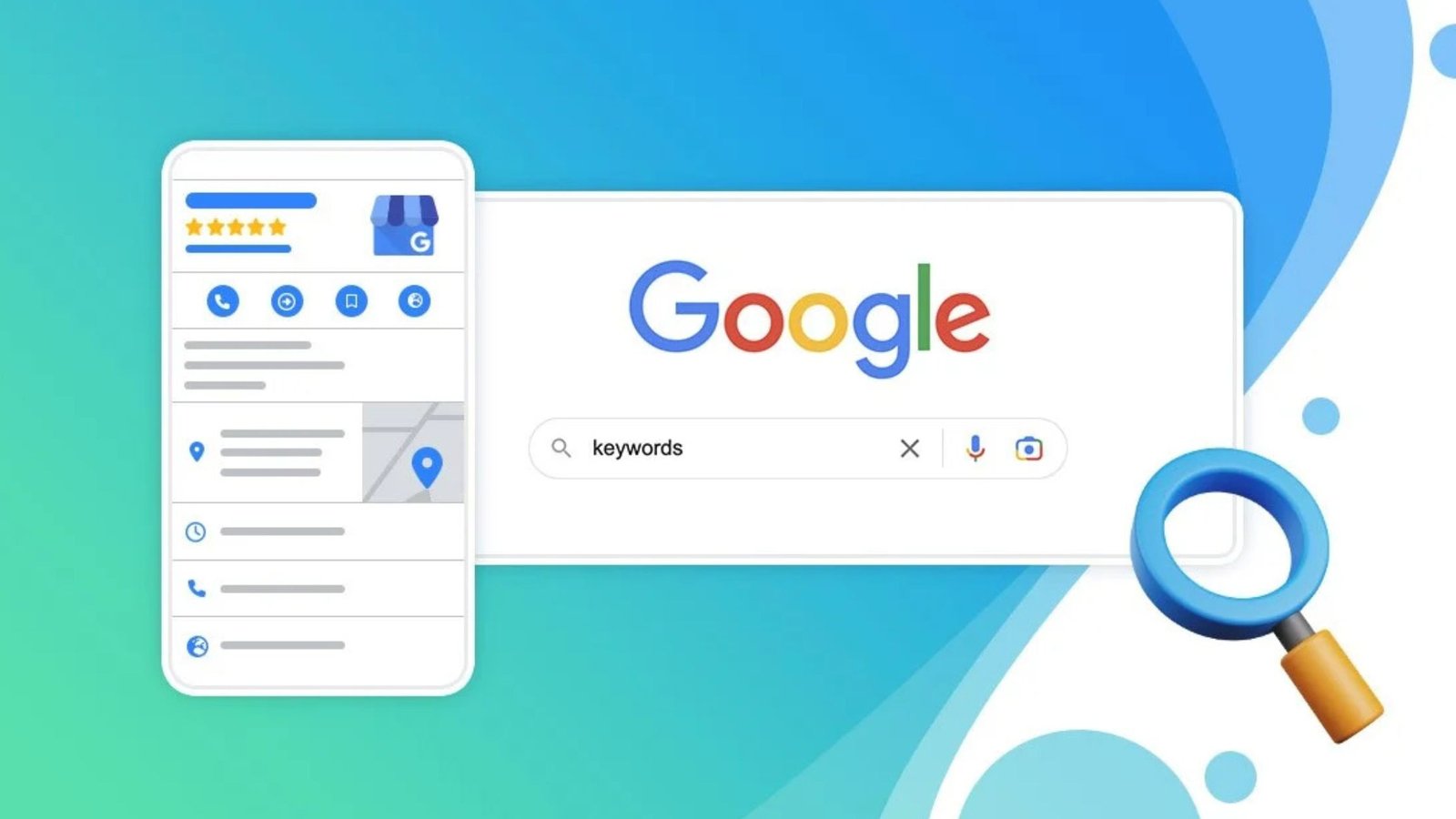
Let’s be real when someone in Toronto or Calgary needs a plumber at 9 PM, they’re not flipping through a phone book. They’re typing into Google and calling whoever shows up first on that map. That little box with the star ratings, photos, and directions? That’s your Google Business Profile (GBP) and if yours isn’t set up, a competitor’s is.
As of 2025, over 97% of Canadians search online before visiting a local business. Google Business Profile is completely free, yet thousands of Canadian small businesses either haven’t claimed theirs or have left it half-finished with wrong hours, no photos, and zero reviews. This guide will walk you through setting it up properly, not just the basics, but the real-world things that actually move the needle.
What Exactly Is a Google Business Profile?
Google Business Profile (formerly Google My Business) is your free listing on Google Search and Google Maps. When someone searches “bakery near me” or “web designer in Vancouver,” Google pulls from these profiles to show local results. Your GBP shows:
- Your business name, address, and phone number
- Opening hours (including holiday hours)
- Customer reviews and your replies
- Photos of your location, team, or products
- Your website link
- Direct messaging from customers
- Questions & Answers
Getting this right means you show up when it matters most when someone is already looking for what you offer.
Before You Start: What You'll Need
Don’t jump into the setup without having these ready:
- A Google account (use a business email, not a personal Gmail)
- Your exact business address or service area
- A working Canadian phone number
- Your business hours including whether you’re open on statutory holidays
- A short, honest description of what your business does
- A few good-quality photos (minimum 3–5)
- Your website URL (even a basic one matters)
If you don’t have a website yet, that’s worth addressing early. A professional website development agency can build you a clean, SEO-ready site that connects seamlessly with your GBP listing which Google actually rewards with better local rankings.
Step 1: Go to Google Business Profile and Sign In
Head to business.google.com and sign in with your Google account. If you don’t have one tied to your business, create one now using your business email. Once you’re in, click “Add your business to Google.” Simple start but pay attention in the next few steps.
Step 2: Enter Your Business Name Carefully
Type your business name exactly as it appears on your signage, receipts, and website. Do not stuff keywords here. Google’s guidelines explicitly prohibit names like “Best Plumber Toronto – Fast Service 24/7.” That kind of practice gets listings suspended.
If your business name already appears in the dropdown (someone may have created a partial listing), claim it rather than creating a duplicate. Duplicate listings confuse both Google and your customers.
Step 3: Choose the Right Business Category
This step is more important than most people realize. Your primary category tells Google what kind of searches to match you with. Be specific. If you’re a family dentist, don’t just select “Healthcare” choose “Dentist” or “Family Dentist.” If you run a web design studio, select “Web Designer” or “Internet Marketing Service.” You can add secondary categories later.
Canadian businesses often underestimate how much this single field affects local search rankings. Take five minutes and think about how your ideal customer would describe what you do.
Step 4: Add Your Location or Service Area
This part depends on how your business actually works. Got a physical spot at a shop, salon, or restaurant? Enter your full address. Street number, unit if there is one, city, province, postal code all of it. That’s how Google drops your pin accurately on Maps. A wrong postal code can push your pin into the wrong neighbourhood, so double-check before moving on.
Work out of your car or go to your clients? You don’t need to show your home address publicly. Just set a service area instead by city name, a broader region, or a driving radius in kilometres. A lot of Canadian contractors, photographers, and mobile service providers go this route. And yes, you can do both. If you run a studio but also travel to clients, set your address and a service area. No need to choose one or the other.
Step 5: Add Your Phone Number and Website
Use a local number here if you have one. Not because toll-free numbers are wrong, but because a local area code quietly tells both Google and potential customers that you’re actually operating in that city, not routing calls through a national call centre somewhere.
For your website, just paste the URL in. If you don’t have a site yet, Google will offer you a free hosted page as a placeholder but don’t lean on it. It does very little for your SEO and won’t make a great first impression. A website built properly by a website development agency, one that loads fast, works on mobile, and is structured the way Google expects will do far more for your local ranking than that default page ever could.
Step 6: Verify Your Business
You can’t skip this. Until you verify, your listing won’t go live Google needs proof that your business is real and that you’re actually the person running it. In Canada right now, here’s how you can verify:
- Postcard in the mail: Most common. Google sends a card with a 5-digit code to your business address. In Canada, expect it to take anywhere from 5 to 14 business days. While you’re waiting, don’t change your business name or address; it’ll restart the whole process.
- Phone call or text: Some accounts get this option. Google calls or texts your number with a verification code right away.
- Email: Only available for certain business types, but it’s the fastest if you get it.
- Video walkthrough: A newer option. You record a short video showing your storefront, signage, and the inside of your location. Feels a bit awkward the first time, but it’s straightforward.
- Instant verification: If your website is already verified in Google Search Console, you might skip the wait entirely.
Once your code arrives, log back in, enter it, and your profile goes live.
Step 7: Complete Your Profile Most People Stop Way Too Early
Getting verified feels like the finish line. It’s not. A verified but half-empty profile still won’t show up well in search Google needs more to work with.
- Business description: Don’t copy your website’s About page. Write something fresh, like you’re explaining your business to someone you just met. Mention what you do, who you typically help, and what makes you different. Drop in your city and province naturally. Aim for somewhere between 250 and 750 words.
- Hours: Be specific. If you’re closed on Family Day in Ontario but your Alberta location stays open, that needs to be reflected. Google lets you set custom hours for statutory holidays too use that feature so customers aren’t showing up to a locked door.
- Photos: At minimum, upload a logo, a cover photo, and three to five photos of your space, team, or work. Businesses with photos get 42% more direction requests on Google Maps that’s Google’s own number, not made up.
- Attributes: Scroll through what’s available for your category. Things like “wheelchair accessible,” “women-led,” or “free parking” show up right on your listing and help people decide before they even click.
- Products or services: List what you actually offer with a short description and price range if you’re comfortable sharing it. Google indexes this content, so it helps you show up for more specific searches.
Step 8: Turn On Messaging and Watch the Q&A
The messaging feature in your dashboard lets people reach you directly from Google Search no phone call needed. Turn it on. Just make sure you’re actually checking it. Google tracks how fast you respond, and if you regularly leave messages sitting for days, they’ll turn the feature off on your behalf.
The Q&A section is easy to forget about, but it’s worth keeping an eye on. Customers can post questions there which is useful but anyone can also post answers, which is where things can go sideways. Check in every week or two and make sure the answers showing up are actually accurate.

Step 9: Get Reviews Without Being Weird About It
Reviews carry serious weight in local search rankings across Canada. The businesses that show up at the top of Google Maps almost always have more reviews than the ones sitting below them.
You can’t pay for them or fake them. Google has gotten quite good at spotting both. What you can do is just ask. Most happy customers will leave a review if someone actually takes two seconds to ask them directly. Do it in person after a good job, follow up by email a day or two later, or send a text with your Google review link. You’ll find that link right in your GBP dashboard under “Get more reviews.”
When reviews come in, good or bad, respond to them. A business with 40 reviews at a 4.3 average will almost always outrank one with 5 reviews at a perfect 5.0. Volume counts. And how you respond to the negative ones tells potential customers more about you than the five-star ones ever will.
The Bigger Picture: Profile ≠ Full Online Presence
Your Google Business Profile is one pillar of local SEO but it works best when backed by a strong website. Google cross-references your GBP with your website to confirm consistency (name, address, phone number) and authority. If your site is slow, not mobile-friendly, or missing location pages, it pulls your local rankings down.
This is where partnering with a professional website development agency pays off. A good agency doesn’t just build a pretty site, they set up proper schema markup, ensure NAP (name, address, phone) consistency across your site and GBP, and build the technical foundation that turns your Google listing into a genuine revenue driver.
Quick Checklist Before You Go Live
- Business name matches real-world signage
- Correct category selected
- Address or service area confirmed
- Local Canadian phone number added
- Website URL entered
- Verified via postcard, phone, or video
- Business description written (250+ words)
- Hours set including holidays
- Minimum 5 photos uploaded
- Services or products listed
- Messaging enabled
Final Thought
Setting up your Google Business Profile in Canada takes about an hour if you do it properly but the payoff is months and years of free, targeted visibility from people who are already looking for exactly what you offer. Don’t rush through it, and don’t leave it unfinished. A complete, well-optimized profile is one of the best free marketing tools available to any Canadian business in 2026 and beyond.
Ready to Elevate Your Brand?
Let’s work together to create a marketing strategy that delivers results. Contact us today to get started